

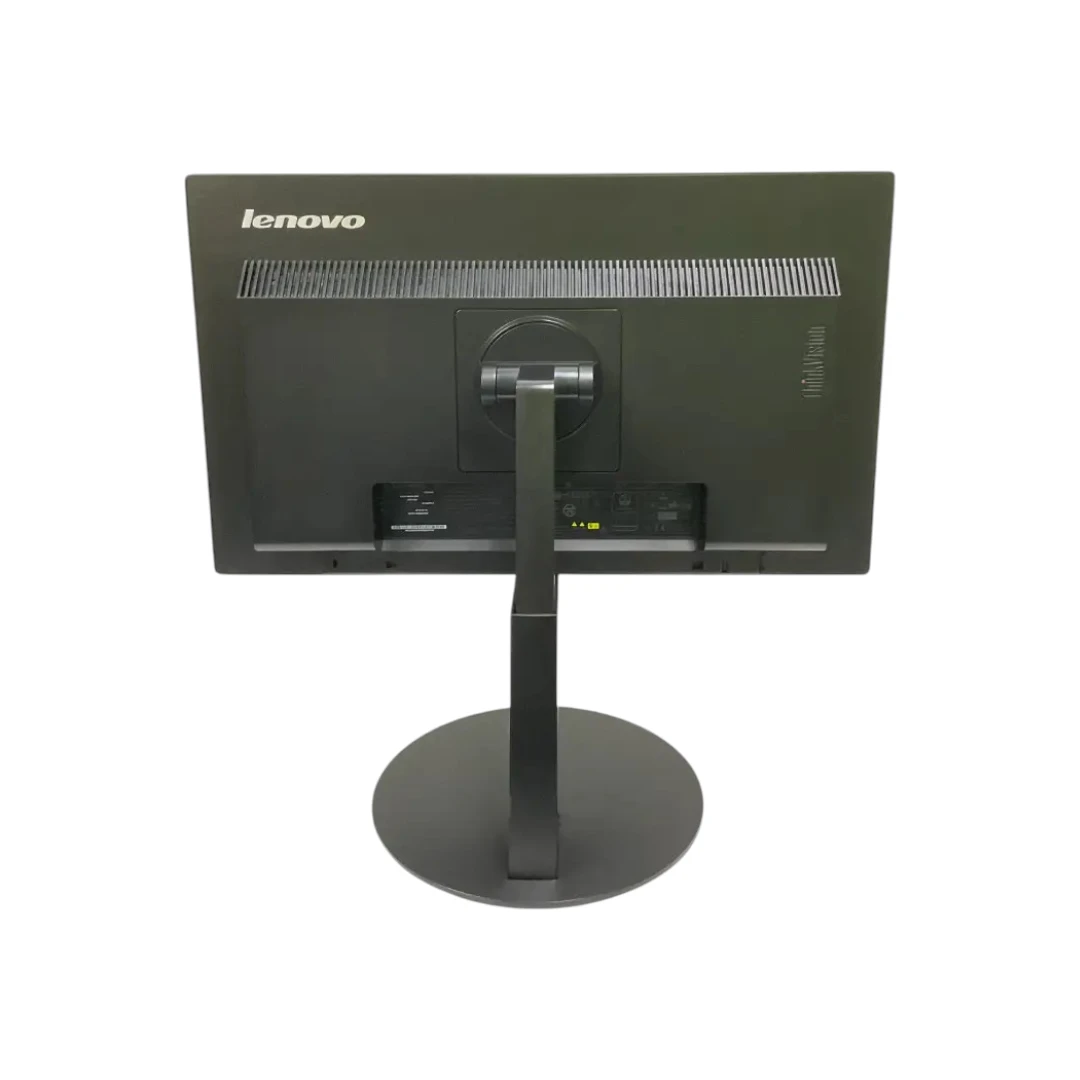

Product details
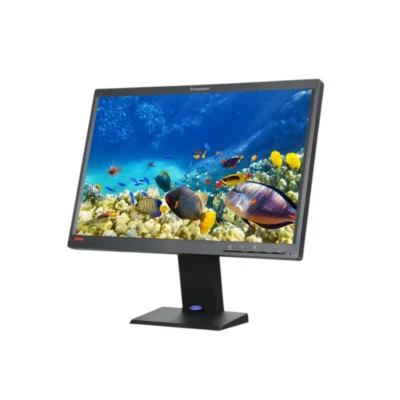
Lenovo ThinkVision T2224pD Monitor – Professional Full HD IPS Display
Lenovo ThinkVision T2224pD Monitor Overview
The Lenovo ThinkVision T2224pD is a high-quality business monitor designed for professionals, students, remote workers, and office environments. Featuring a 21.5-inch Full HD IPS display, this monitor delivers excellent image clarity, accurate colors, and wide viewing angles, making it an ideal solution for productivity-focused users.
Built with Lenovo’s trusted ThinkVision series quality, the T2224pD combines ergonomic flexibility, modern connectivity, and energy-efficient performance. Whether you are working with spreadsheets, attending online meetings, coding, or managing business applications, this monitor provides a comfortable and reliable viewing experience.
Full HD IPS Display for Superior Visual Quality
The Lenovo ThinkVision T2224pD features a 21.5-inch IPS panel with a 1920 x 1080 Full HD resolution. The IPS technology provides vibrant colors and consistent image quality from virtually any angle, making it superior to traditional TN panels.
Benefits of IPS Technology
- Accurate color reproduction
- Wide 178° viewing angles
- Consistent brightness across the screen
- Better image quality for productivity tasks
- Reduced color shifting when viewed from the side
The Full HD resolution ensures crisp text, detailed images, and smooth video playback, helping users stay productive throughout the day.

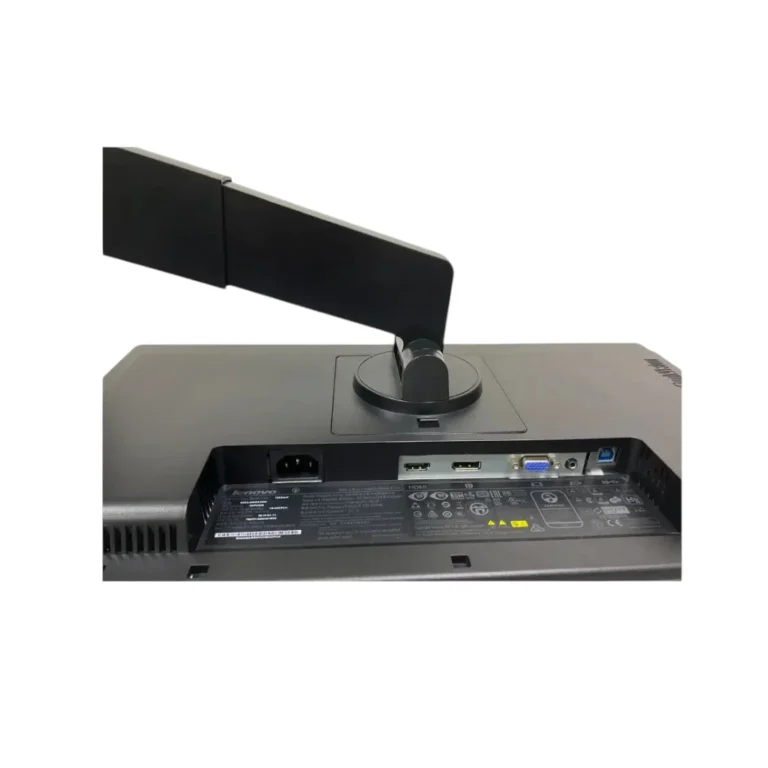
Flexible Connectivity Options
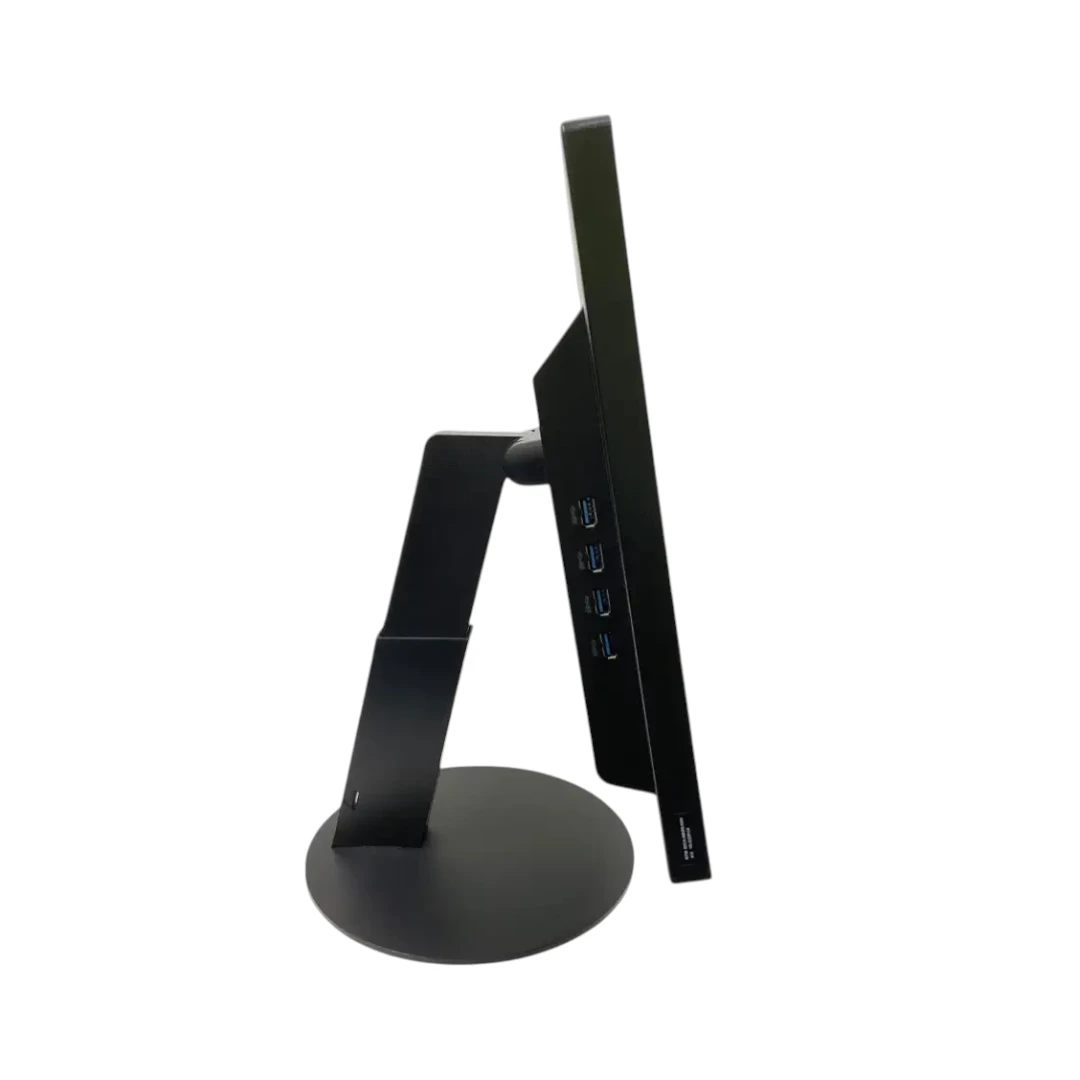
The Lenovo ThinkVision T2224pD includes a variety of connection ports, ensuring compatibility with both modern and legacy systems.
Available Ports
- HDMI
- DisplayPort
- VGA (D-Sub)
- USB 3.0 Hub
- USB Upstream Port
These connectivity options provide flexibility for connecting desktops, laptops, docking stations, and other devices. The integrated USB hub also allows convenient access to peripherals such as keyboards, mice, and USB storage devices.
Ergonomic Design for Workplace Comfort
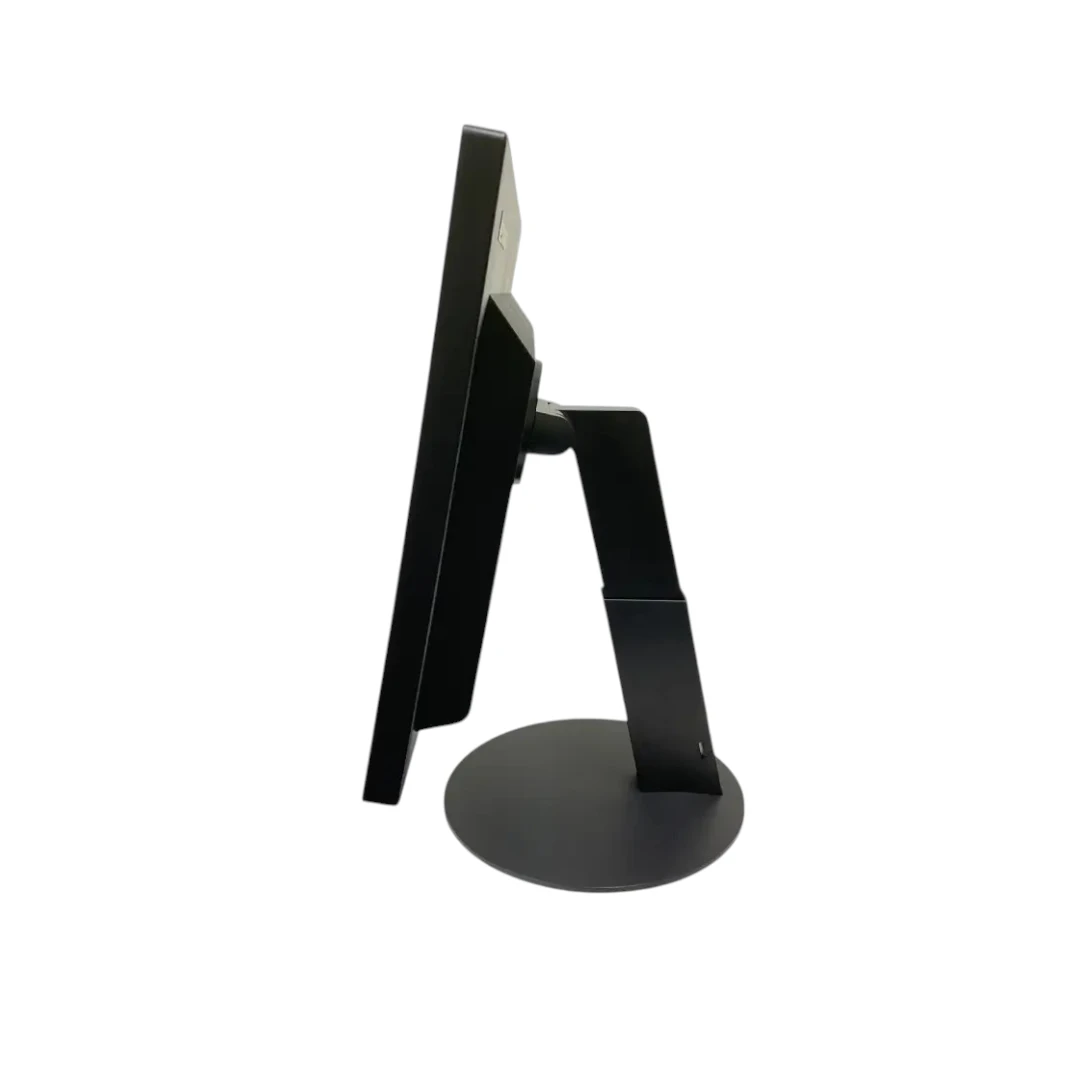
One of the key advantages of the Lenovo ThinkVision T2224pD is its ergonomic stand. Users can adjust the monitor position according to their preferences, helping improve comfort and reduce physical strain.
Ergonomic Features
- Height Adjustment
- Tilt Adjustment
- Swivel Rotation
- Pivot Function (Portrait Mode)
- VESA Mount Compatibility
The portrait mode is especially useful for programmers, writers, and professionals working with long documents or coding applications.

1) –
1
1′) –
1
1 –
1
1 –
1